Keep records · 9 min read
Manage assignments and grades
Create courses, record work, and use the grading method that fits each course.
Open this area in Commonplace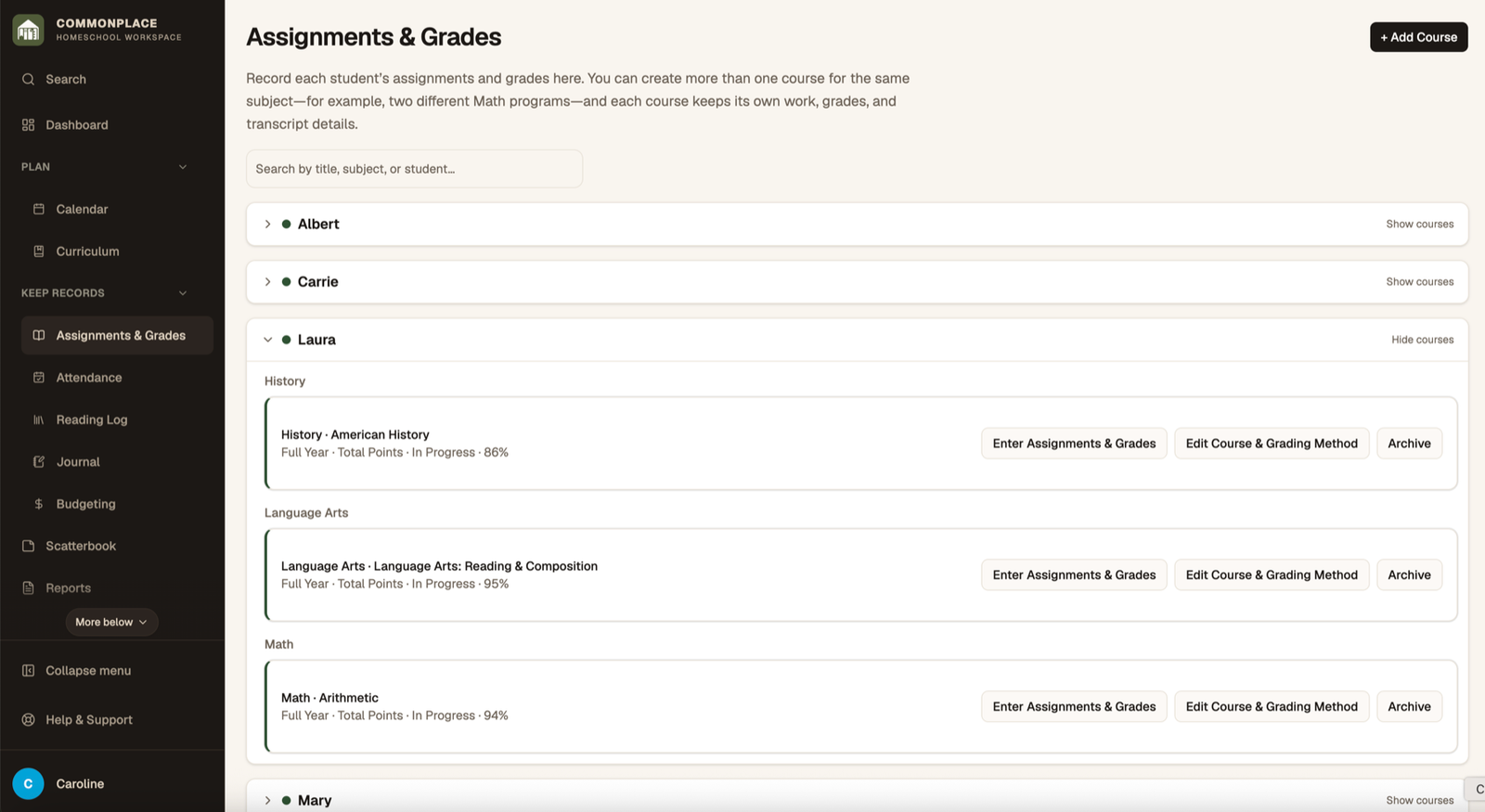
Courses hold assignments, scores, grading rules, completion status, and transcript details. Each course can use its own grading method—or no calculated grade at all.
- 1
Add a course
Choose the student, subject, and school year. Add a title when the subject name alone is not specific enough.
- 2
Choose optional course details
Set a schedule for Daily Flow, term, grade level, planned credit, description, and primary curriculum when relevant.
- 3
Select a grading method
Choose total points, weighted categories, or another available method. Add grade categories and weights when the method requires them.
- 4
Open the course
Select View Gradebook to see the current result and the assignment list for that course.
- 5
Add assignments
Enter the assignment name and date, then add points, category, notes, duration, or work samples as appropriate.
- 6
Record results
Enter the student’s score or completion information. Commonplace recalculates the current grade according to the course setup.
- 7
Finish the course
Update course status and final details when the course is complete. Review the result before producing report cards or transcripts.