Plan · 7 min read
Plan with the calendar
Add one-time or repeating events, assign people, and connect learning details.
Open this area in Commonplace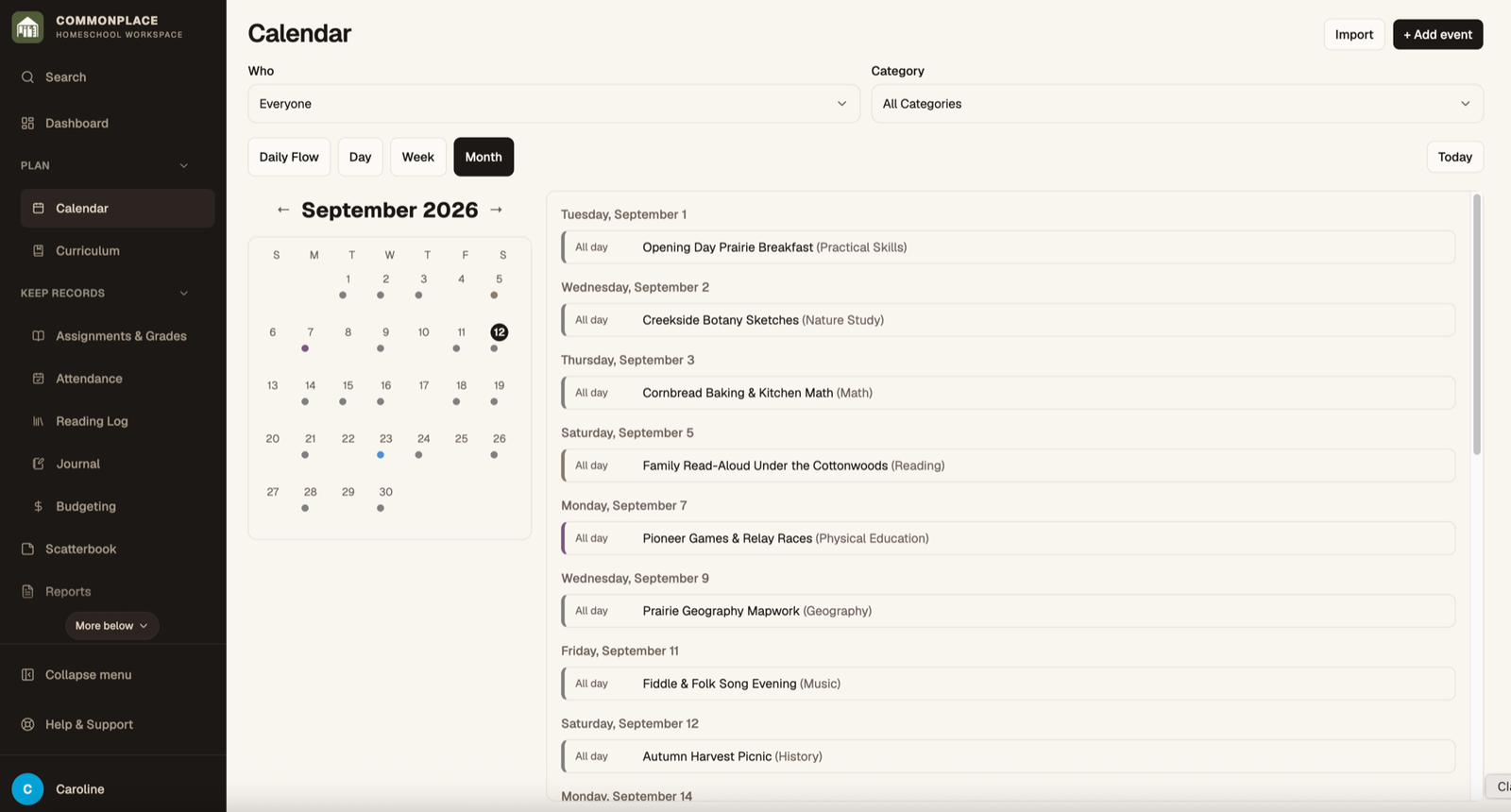
Calendar events can be simple family appointments or richer learning records with students, teachers, subjects, categories, notes, and portfolio details.
- 1
Select Add Event
Enter a title and date. That is enough for a simple all-day family event.
- 2
Make the event repeat
Turn on recurrence, choose the repeating days, and set starting or ending dates when the event follows a regular rhythm.
- 3
Add time and learning details
Expand the optional section to set times, category, subject, loop, school year, and participating students or teachers.
- 4
Create an activity record
Use the Activity Log field to describe what happened. You can include the event in a portfolio and attach supporting photos.
- 5
Review the calendar
Switch among month, week, day, and Daily Flow views. Use the Who and Category filters to narrow a busy calendar.
- 6
Edit a repeating event carefully
When prompted, choose whether the change applies to one occurrence or the repeating series.