Plan · 6 min read
Build loops and weekly rotations
Create flexible sequences that keep moving even when the week changes.
Open this area in Commonplace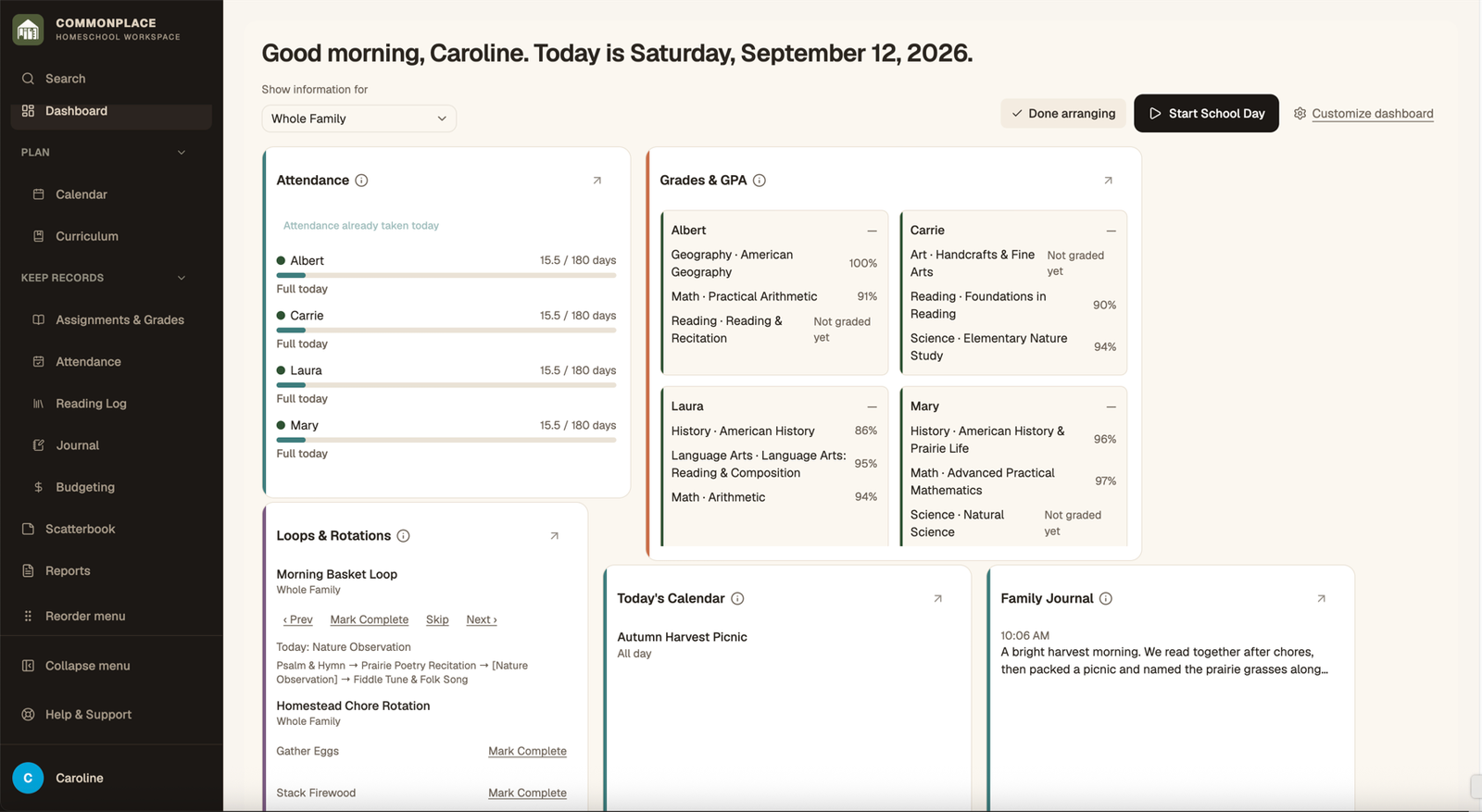
A loop advances to the next item when work is completed. A weekly rotation assigns different items to particular weekdays. Both can appear in Daily Flow.
- 1
Select Add Loop or Rotation
Name the routine and choose Loop for an ordered sequence or Weekly Rotation for weekday-specific items.
- 2
Set the active period
Choose the start date, optional end date, and time of day. These settings determine when the routine can appear.
- 3
Add items
Enter each activity, optionally connect a subject, then arrange the items in the order you want.
- 4
Assign participants
Choose the whole family or select individual students.
- 5
Work through the routine
Complete the current item from Daily Flow or the loop detail page. A loop advances; a weekly rotation follows its assigned day.
- 6
End or reuse a routine
End a routine without losing its history. Reactivate it later or duplicate it as a starting point for a new season.