Getting started · 6 min read
Set up your homeschool
Add the essential family, student, school-year, and subject information.
Open this area in Commonplace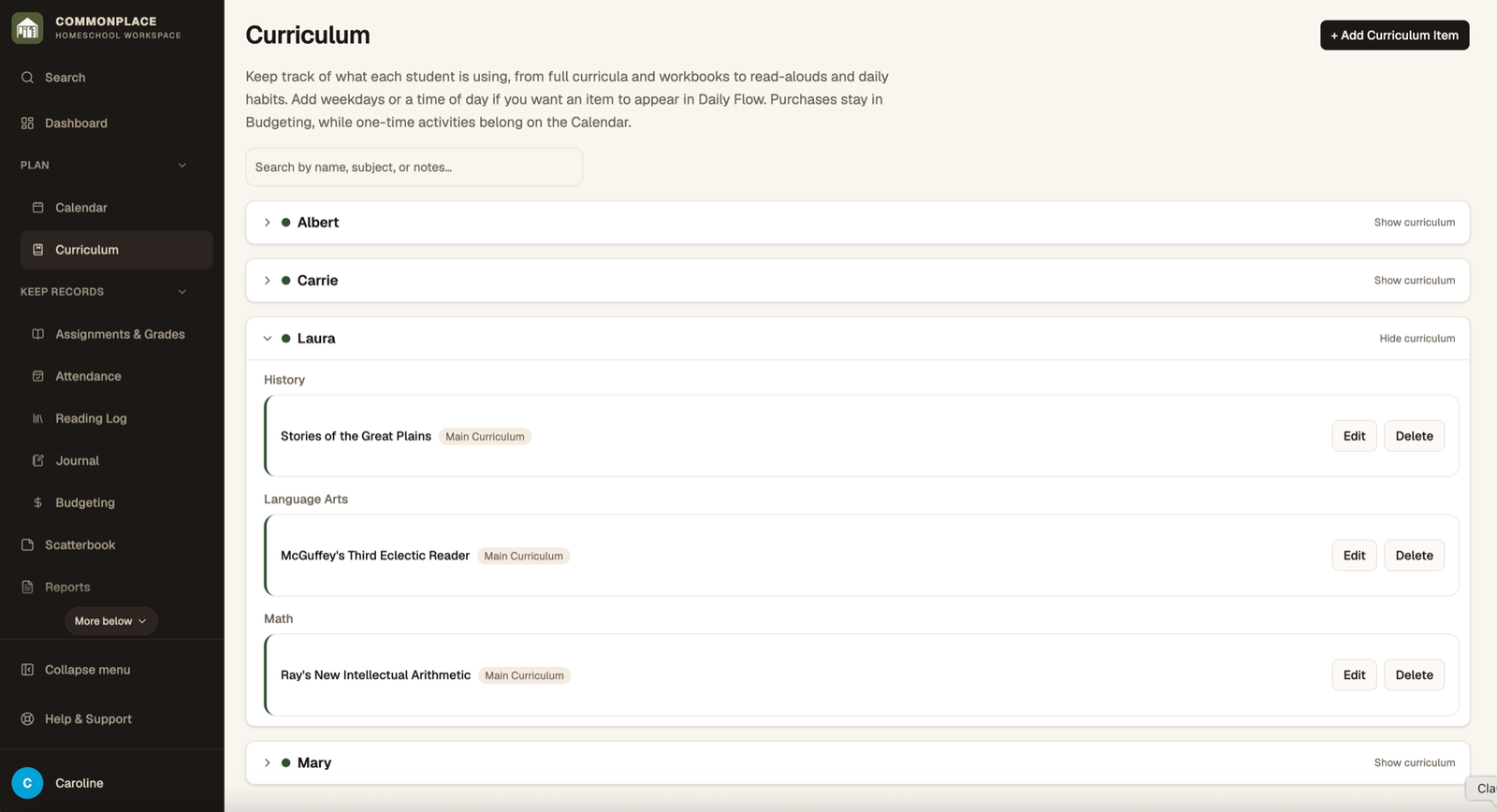
The guided setup creates the few records that the rest of Commonplace relies on. You can return later to add more students, subjects, courses, or school years.
- 1
Name the homeschool
Enter the family or homeschool name you want to see around the workspace. Formal report details can be completed later under School Identity.
- 2
Add each student
Use a familiar display name and choose a color. The color makes it easier to distinguish students across schedules and records.
- 3
Choose subjects
Select the subjects your family uses and add any that are missing. Subjects connect curriculum, courses, reading, calendar activities, and reports.
- 4
Decide whether to set up grades
If you use assignments or grades, add a first course. If you do not need grading yet, skip it and continue.
- 5
Create the school year
Give the year a clear name and set its start and end dates. Attendance, budgets, books, courses, and reports use this boundary.
- 6
Finish and explore
Return to the dashboard or open Homeschool Setup to add optional details such as activity types, loops, documents, and family logins.