Reports & records · 8 min read
Prepare year-end records
Review readiness, finish courses, and assemble a durable record packet.
Open this area in Commonplace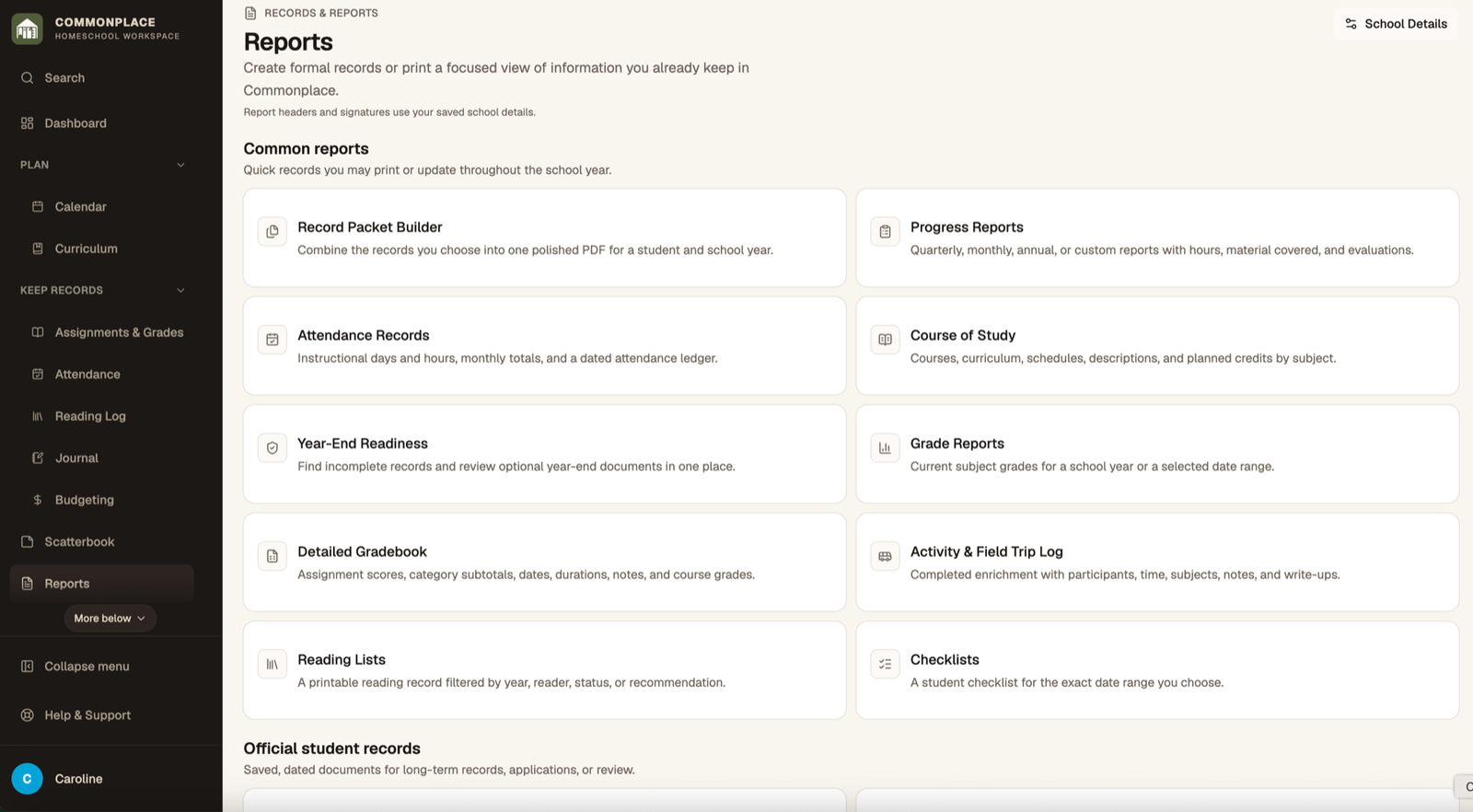
Year-end work is easier when you review connected records before generating final documents. The readiness view helps surface missing or unfinished information.
- 1
Open Year-End Readiness
Choose the student and school year, then review the areas that are ready and those that still need attention.
- 2
Finish attendance
Check missing dates, totals, and notes, then generate the attendance record you intend to retain.
- 3
Review courses
Confirm course titles, descriptions, completion status, final grades, grade levels, and credit values where applicable.
- 4
Review supporting records
Check reading, activities, curriculum, portfolio items, and school identity details.
- 5
Create final reports
Generate the grade report, progress report, course of study, transcript, portfolio, and other documents your family needs.
- 6
Assemble a record packet
Use Record Packet to combine selected records into a single organized package.
- 7
Export your data
Use Export under Homeschool Setup to keep a machine-readable copy in addition to finished PDFs.