Getting started · 5 min read
Use the dashboard and Daily Flow
See what matters today and personalize the view for your family.
Open this area in Commonplace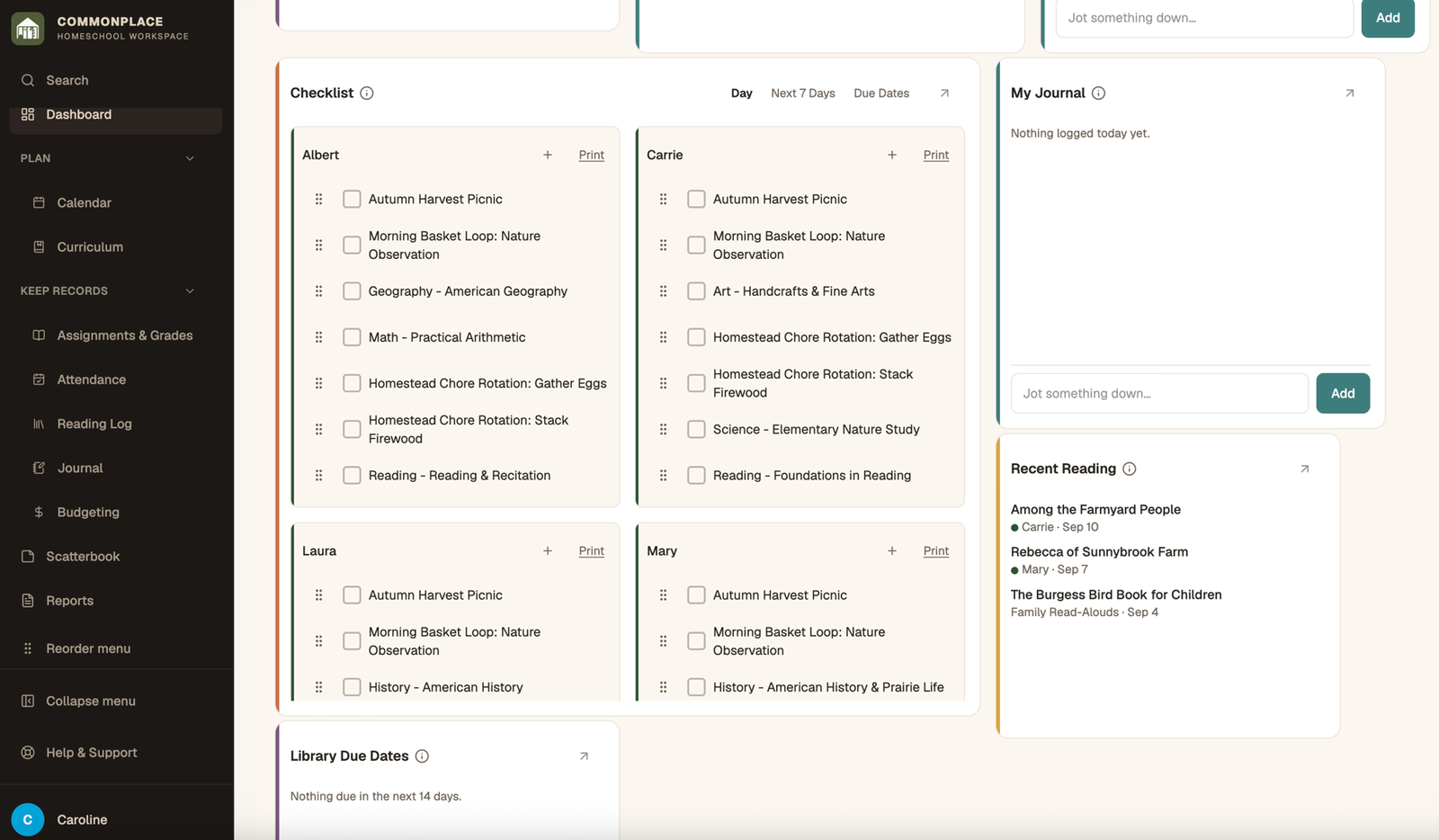
The dashboard is a flexible overview, while Daily Flow is the focused list of scheduled work and routines for a particular day.
- 1
Choose dashboard sections
Open Customize dashboard and enable the sections you want to see, such as attendance, checklist, calendar, reading, journal, grades, or budget.
- 2
Arrange the page
Drag sections into a useful order. On larger screens, resize supported sections to give important information more room.
- 3
Open Daily Flow
Use Daily Flow to see scheduled courses, curriculum, and loop items together. Complete items as the day progresses.
- 4
Filter when needed
Use the student and date controls to focus on one child or another day without changing the underlying schedule.
- 5
Use Focus Mode
Open Focus Mode when a student needs a simpler, full-screen path through the day’s work.