Reports & records · 8 min read
Create reports and official records
Choose the right report, review its source records, and create a clear final document.
Open this area in Commonplace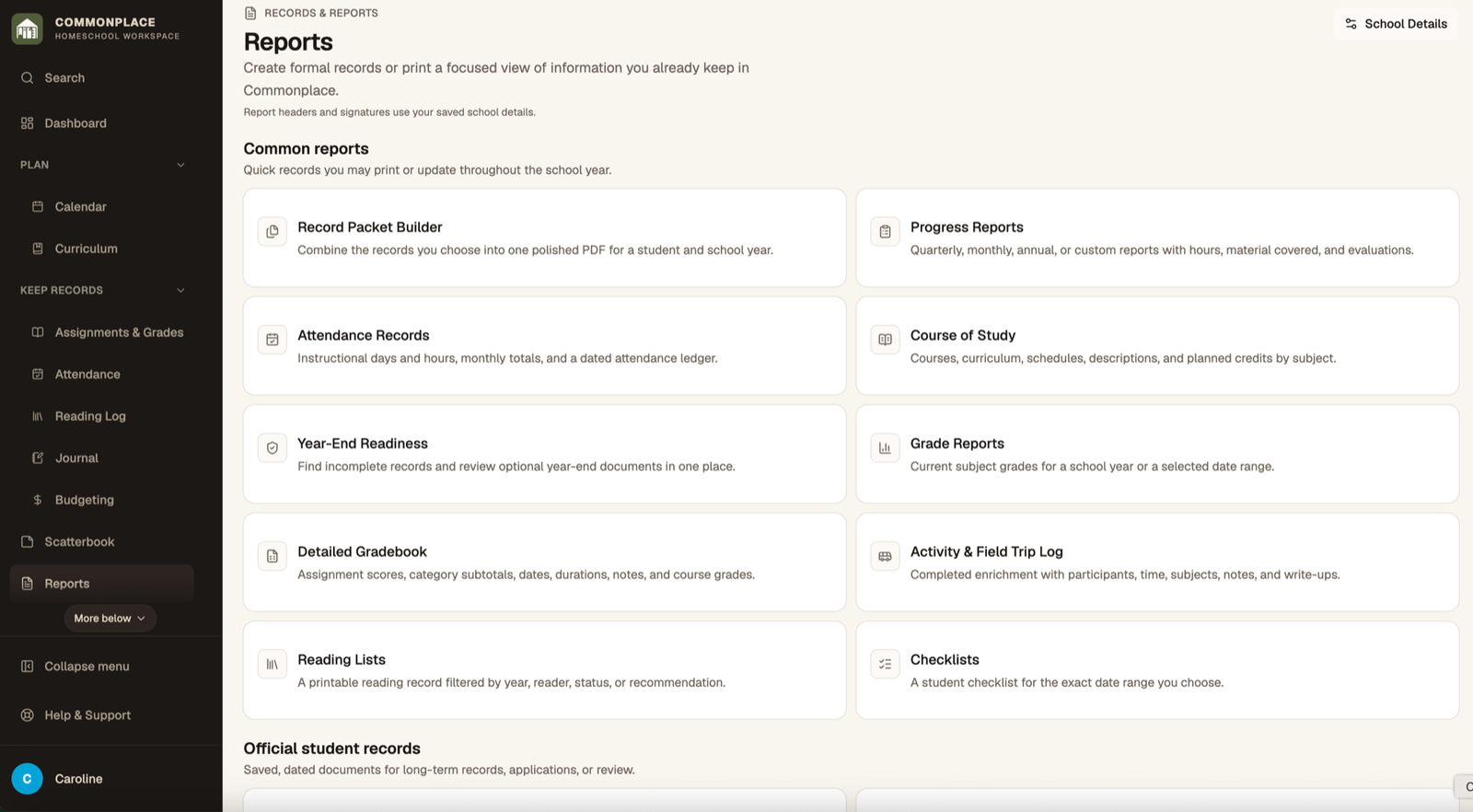
Reports reuse information already saved throughout Commonplace. The quality of the final document depends on the student, school year, school identity, and module records being complete.
- 1
Complete School Identity
Add the homeschool name and formal details you want on official documents before generating reports.
- 2
Choose a report
Open Reports and select attendance, grade, progress, reading list, activity log, course of study, checklist, portfolio, transcript, detailed gradebook, or record packet.
- 3
Select the student and period
Choose the student, school year, term, reporting period, or custom dates required by that report.
- 4
Review the source information
Check the preview or readiness information. Return to the linked module to correct missing or inaccurate details.
- 5
Generate the document
Create the report after the preview looks right. Download or print the resulting PDF as needed.
- 6
Preserve finalized records
For workflows that support saved versions, keep the finalized or submitted copy so later edits do not obscure what was actually delivered.